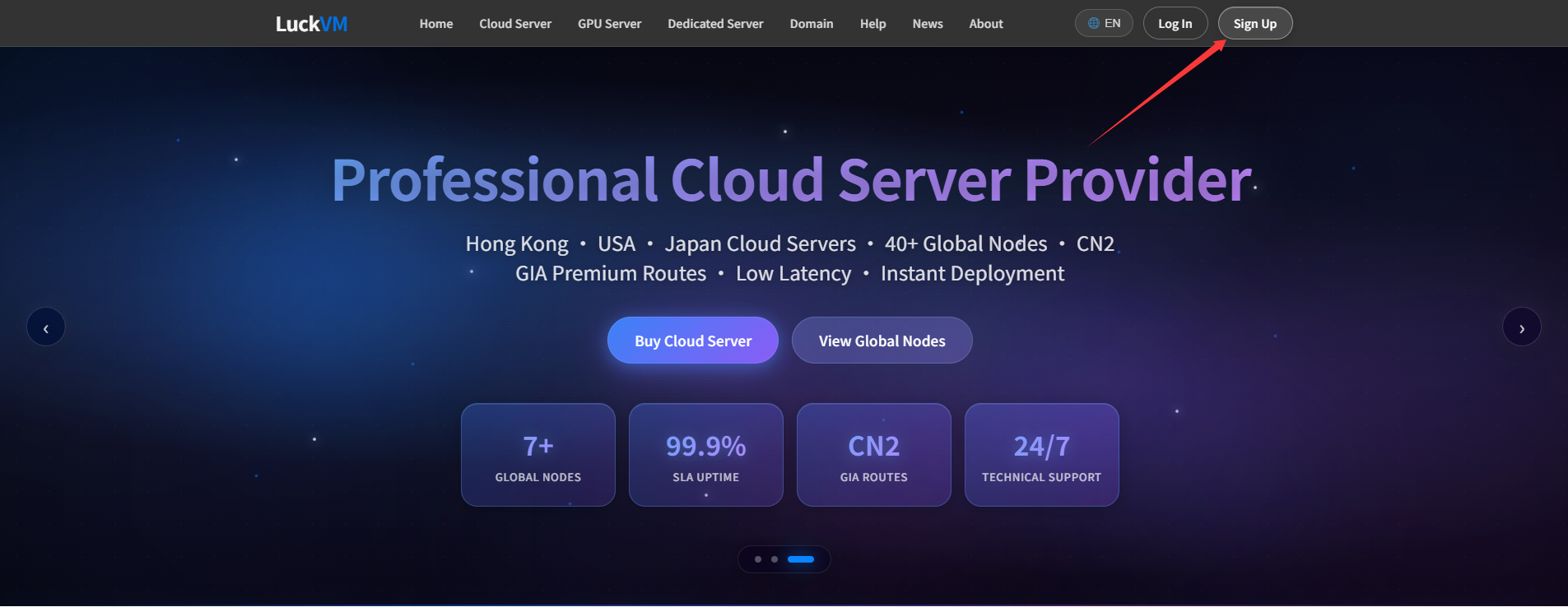
For help choosing or using a service, submit a ticket and describe the issue so our technical team can help.
Steps
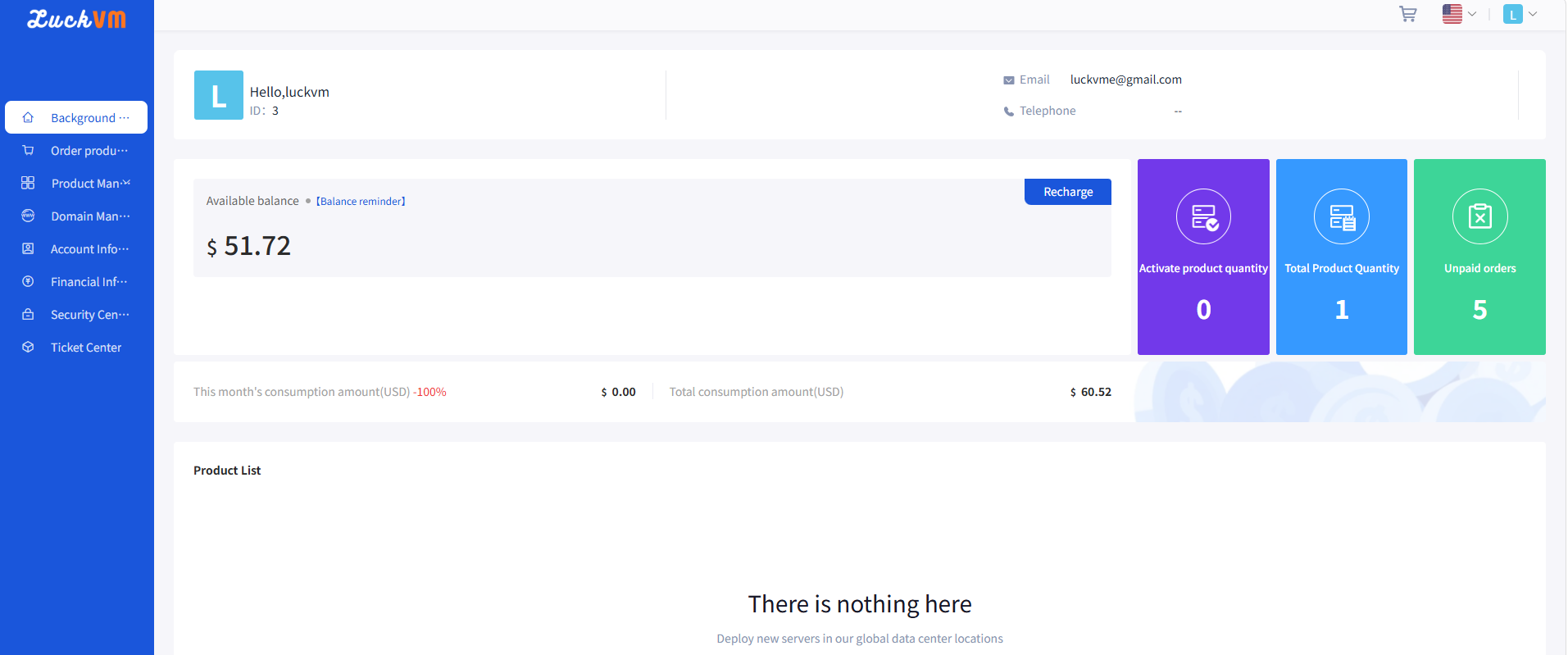
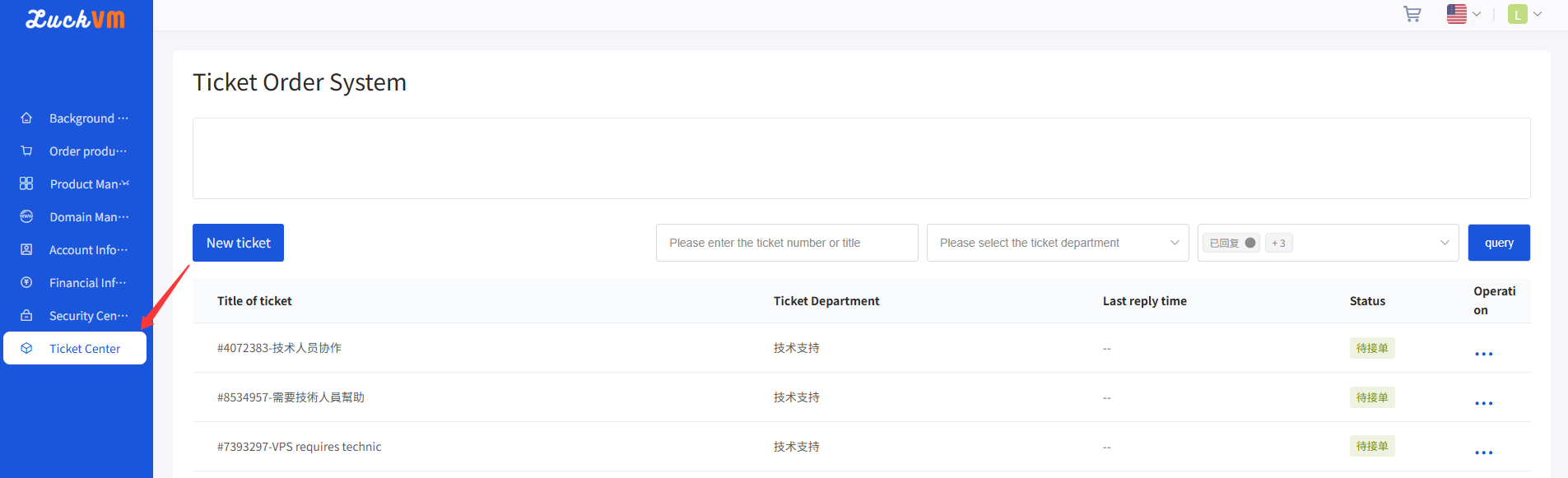
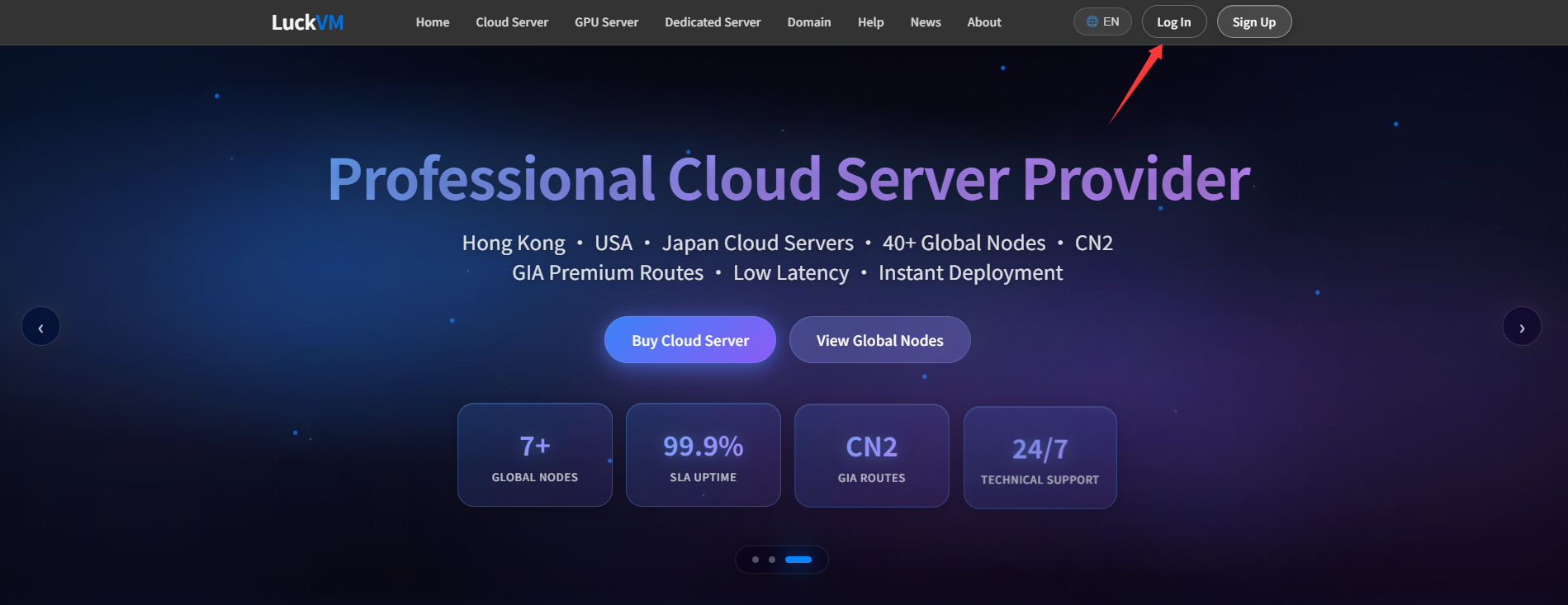
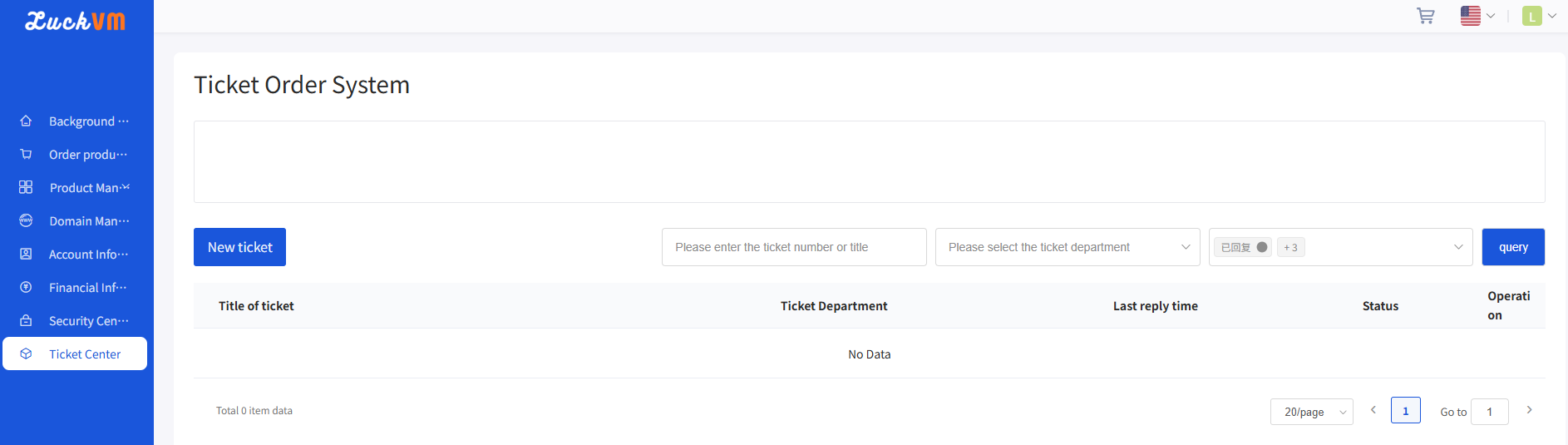
①After entering the Client Area, click Ticket Center .
Figure 1
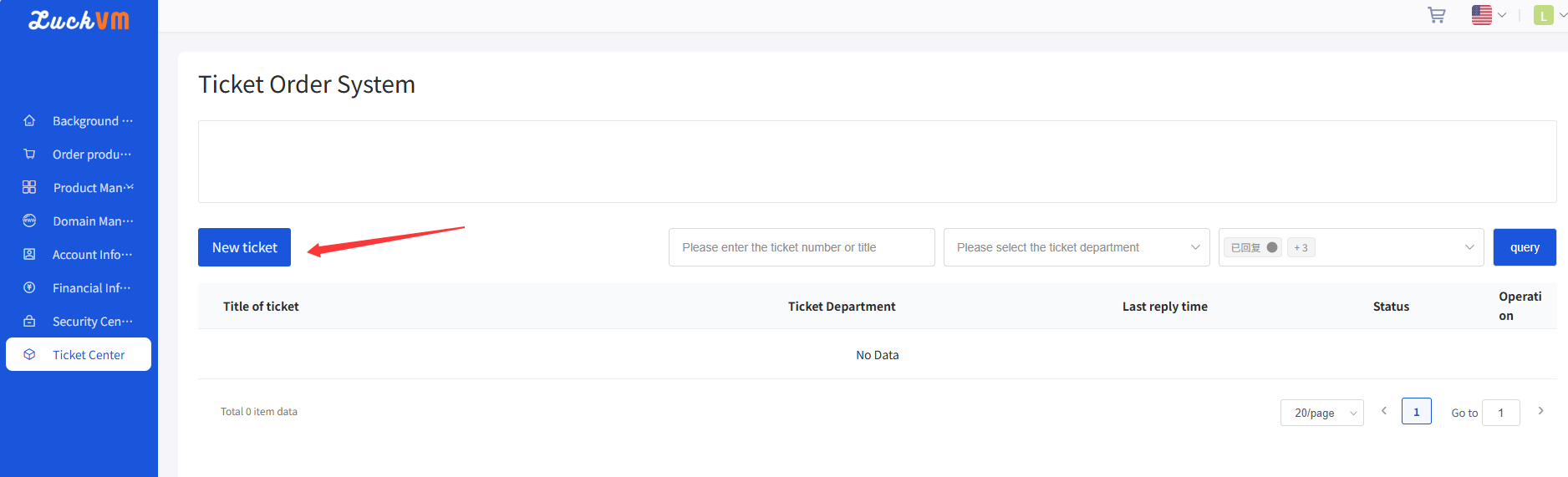
②On the ticket system page as shown in Figure 1, click New Ticket .
Figure 2
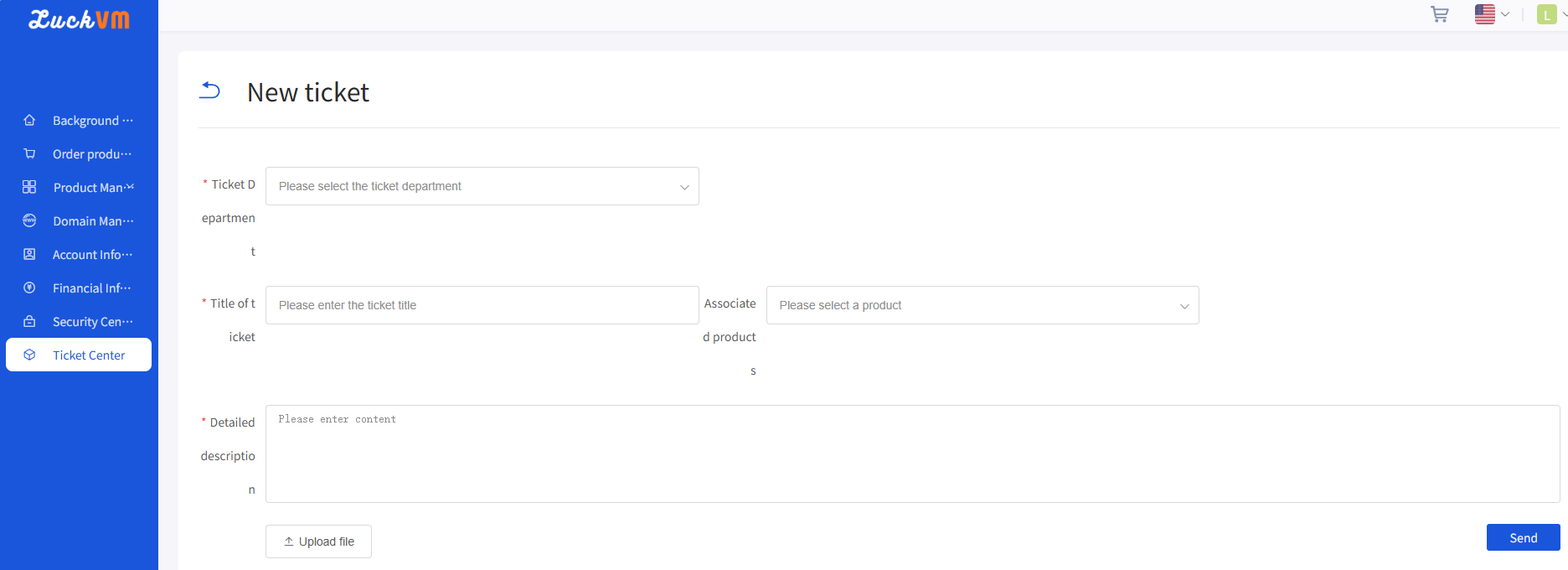
③ Choose a ticket category, describe the problem, and select “Send” to submit your request.
Figure 3