· Password login
· Third‑party login
Steps
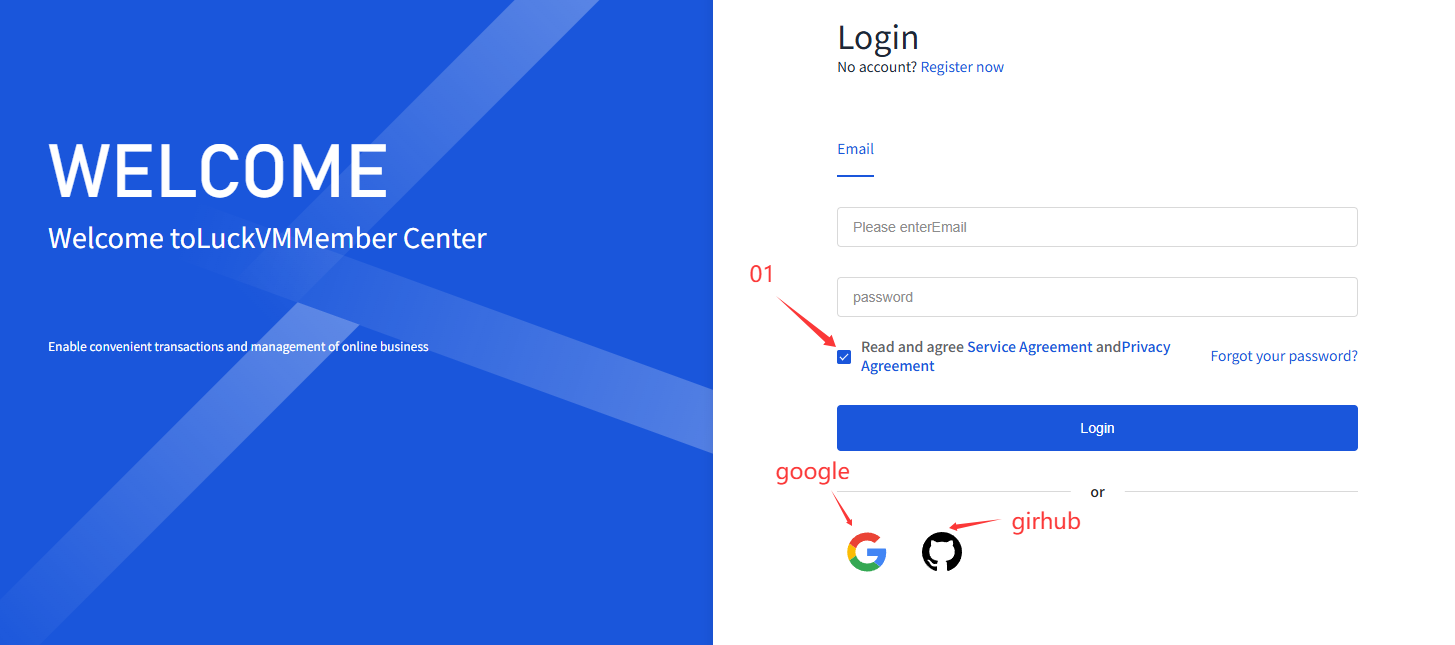
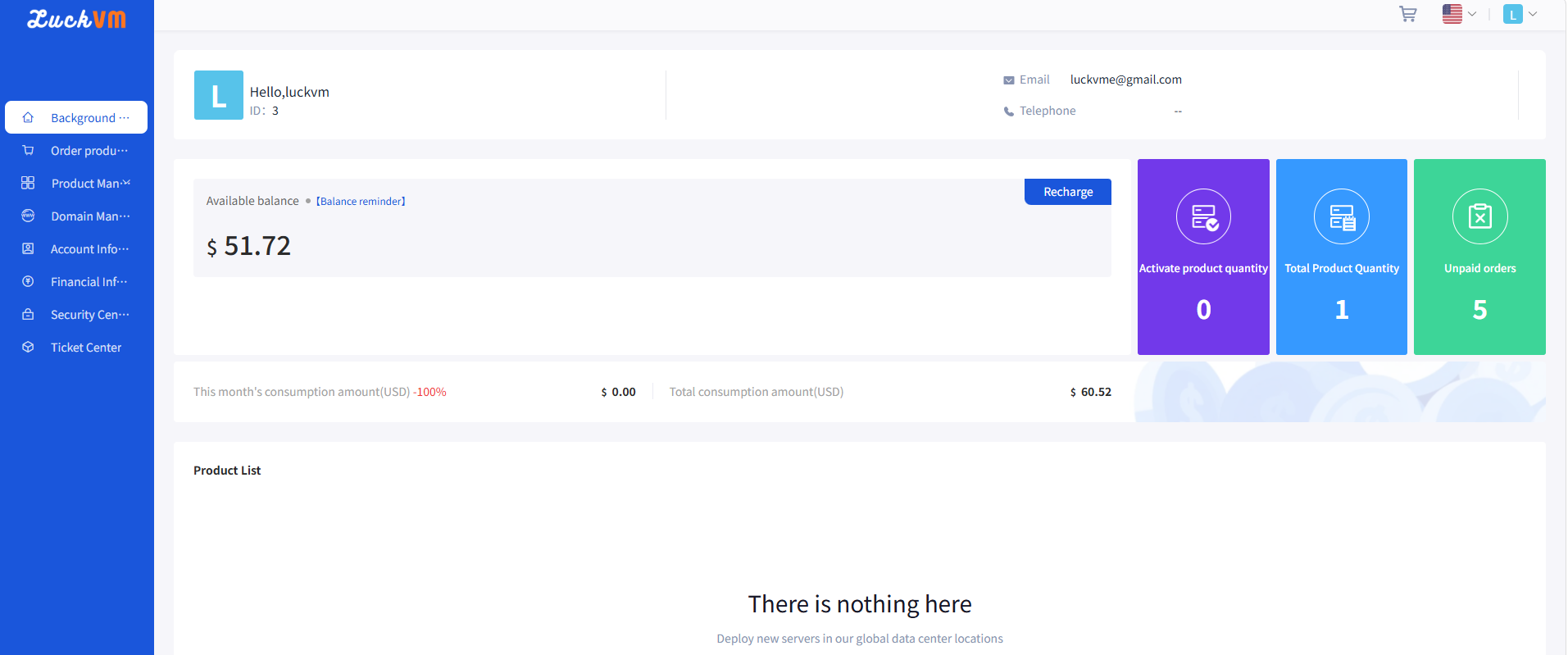
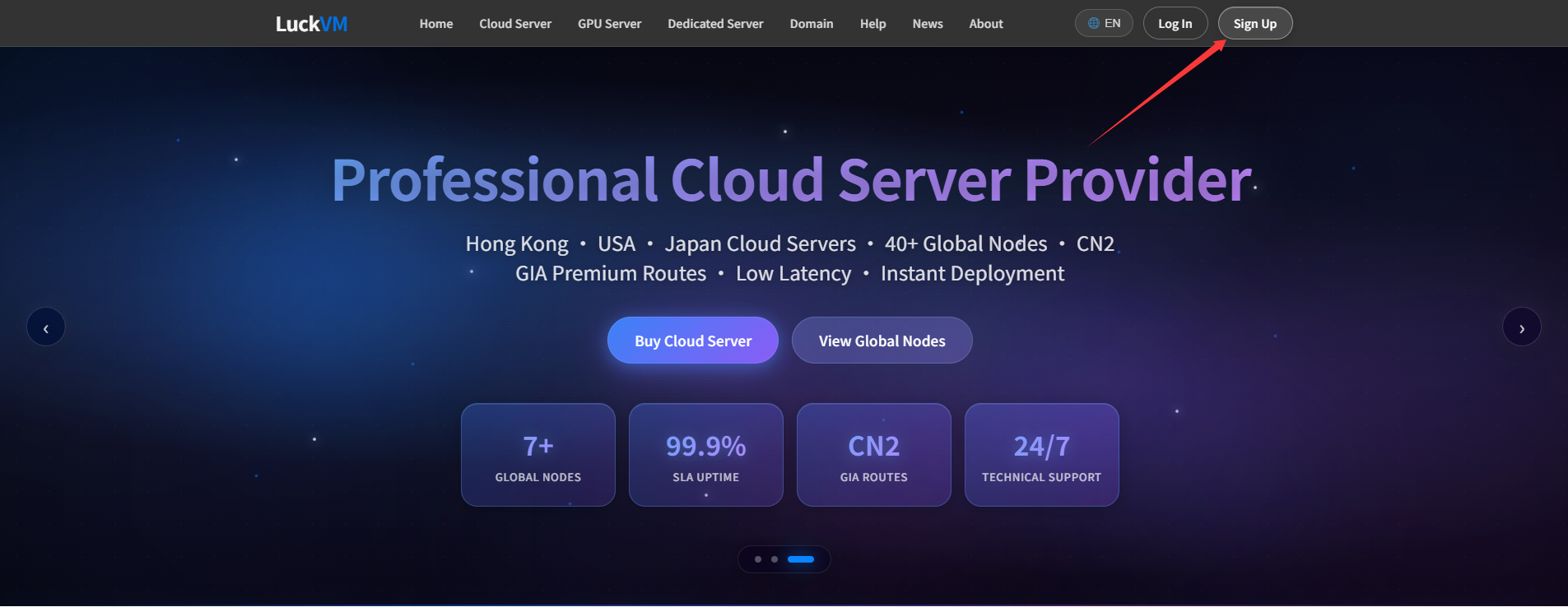
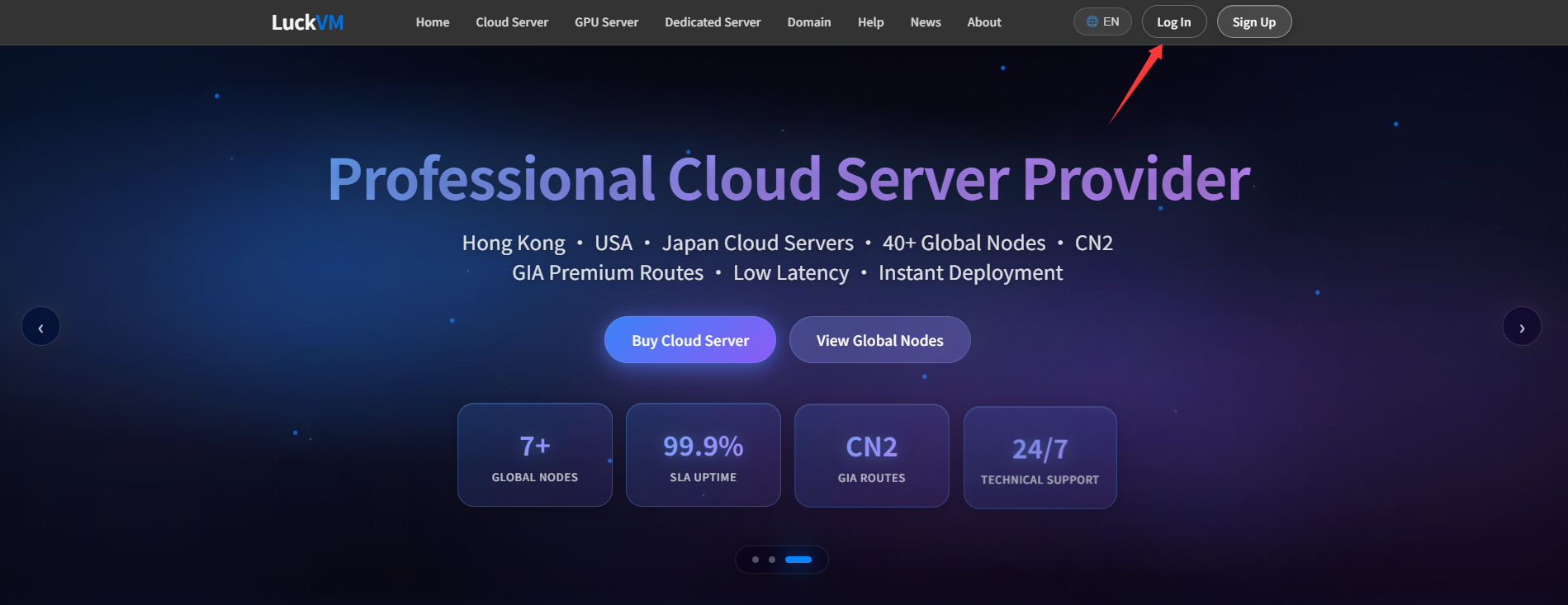
① On the POWOKE official website (luckvm.com), click “Login” in the upper right corner to enter the Client Area login page.
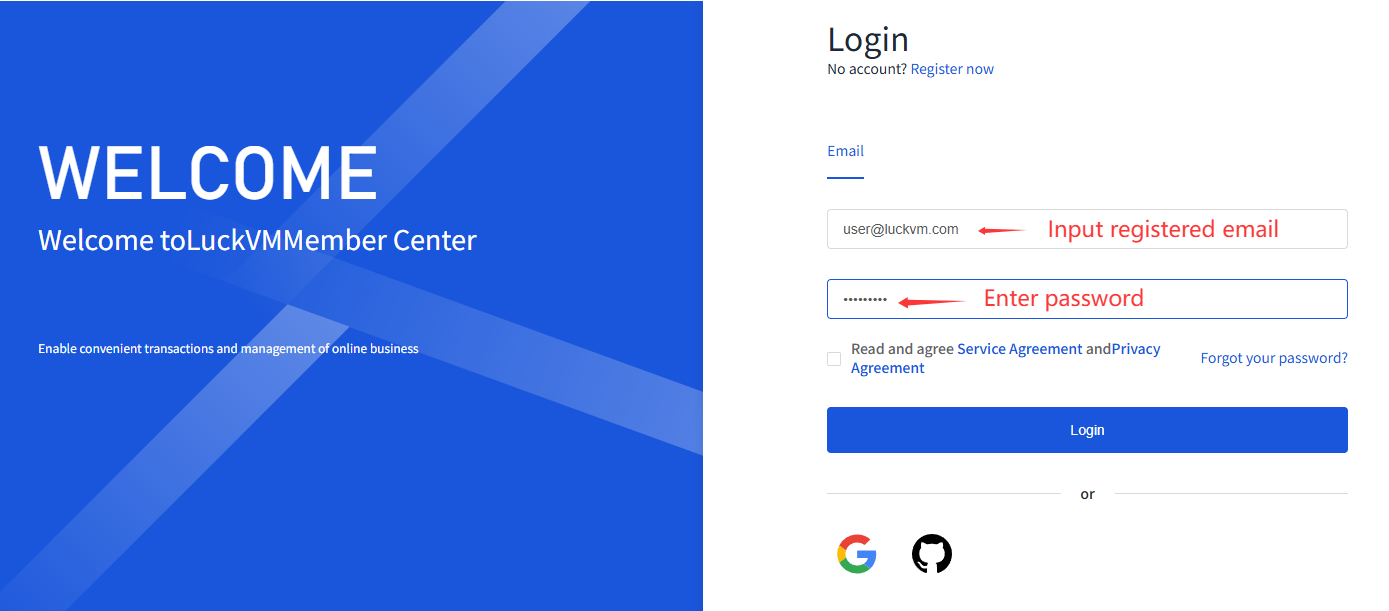
② Password login
“Password login” applies to all registered users.
i. On the login page, enter your registered email address and password.
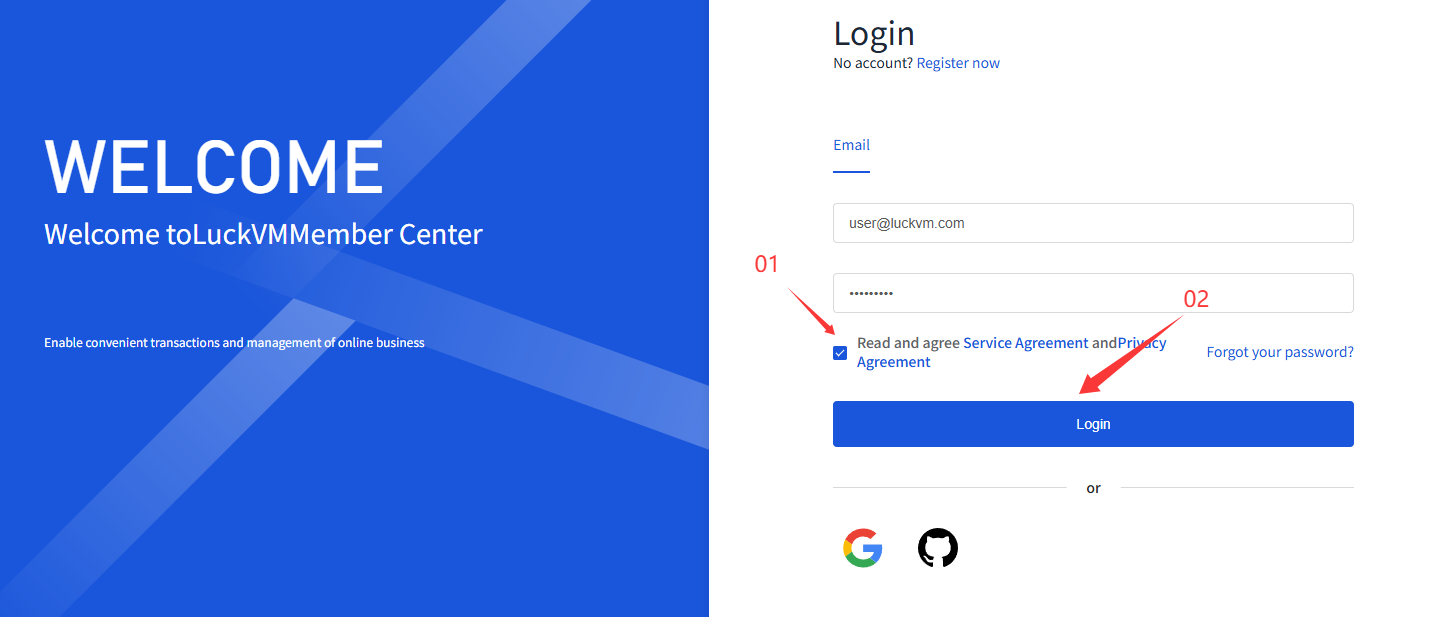
ii. Check the box “I have read and agree to the Terms of Service and Privacy Policy”, then click “Login”.
③ Third‑party platform login
i. Select the third‑party platform you wish to use, click it, and follow the instructions to authorise your account. Once authorised, you will be logged in. Supported platforms:Google and GitHub