Deployment goal
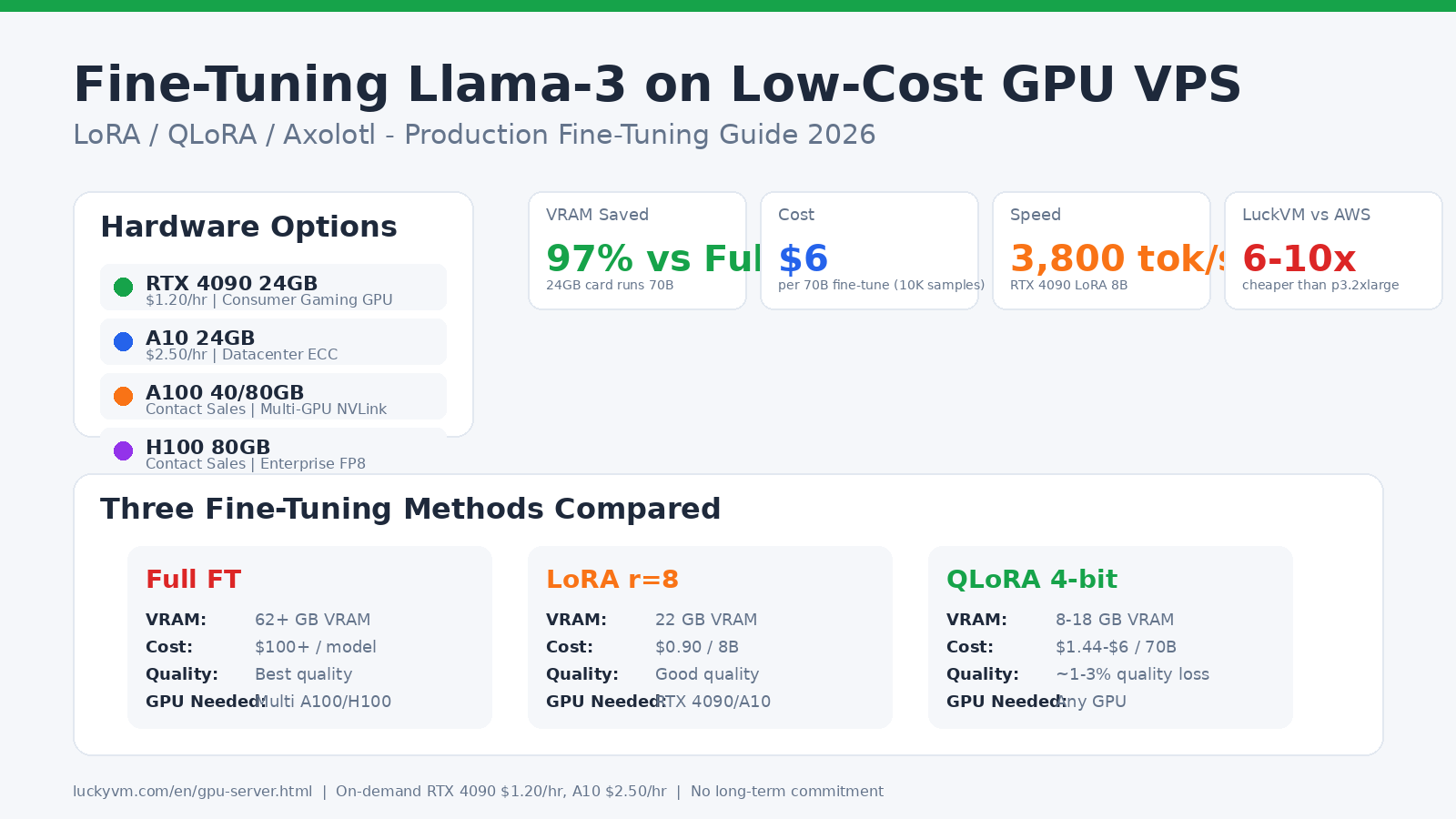
Estimate VRAM, model precision and concurrent jobs before comparing GPU hardware. Include CPU, storage and software compatibility in the decision.
Match the hardware to the job
LLM inference, training and rendering use GPU memory and throughput differently. Identify model size or scene complexity, numerical precision and expected parallel work before choosing an accelerator.
Include preprocessing and output storage in the timing. A fast GPU can sit idle while data loads, and a job that fits in VRAM may still require substantial system memory.
Verify the software stack
Record the framework, CUDA and driver compatibility required by the project. Check the available image and administration scope rather than assuming a preinstalled environment includes your exact versions.
Review commercial software licensing separately. Plan persistence for datasets, checkpoints and outputs before launching a long task.
Benchmark your own job
Use a fixed model or scene, input size, precision and concurrency. Measure both throughput and latency for inference; report wall-clock time and resource use for batch jobs.
Token rates and image-generation times are meaningful only with the model, settings and test environment. A result from another model is not a commitment for your workload.
Control the job lifecycle
Save checkpoints outside the active process and test that a stopped job can resume. Include dataset transfer, idle capacity and storage in the cost calculation.
Billing terms come from the selected configuration. Confirm what remains chargeable after a task ends and how cancellation or resource release works.